Legacy System Modernization: Rehost vs Rebuild
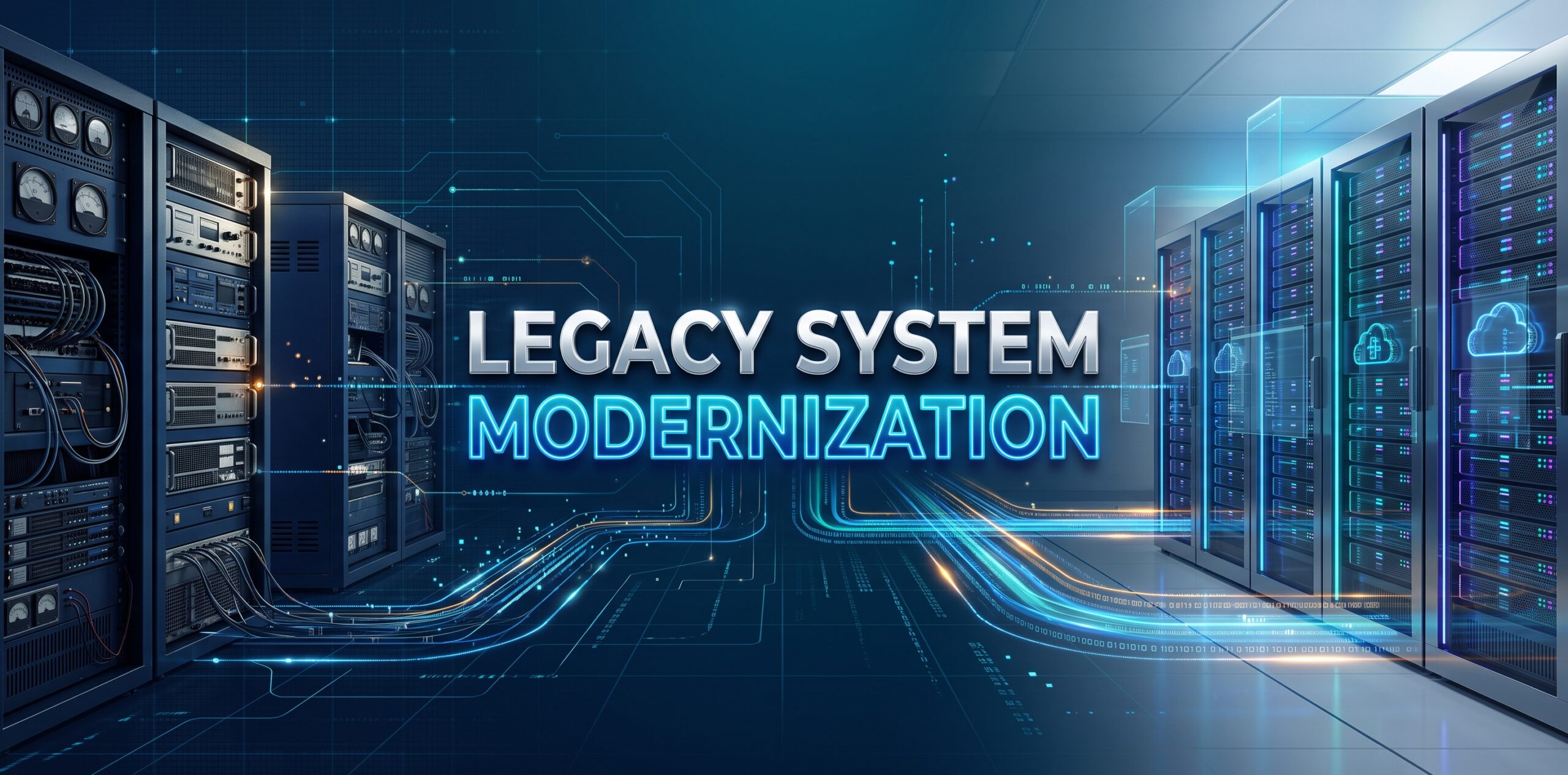
Your legacy system may still work well. It can still be holding the business back.
A system can be stable and reliable, and still cap how fast you ship, how easily you integrate new tools cash flow, and how much risk you carry in production. Rising maintenance costs, security gaps, data breaches and slow development rarely show up as one dramatic failure. They show up as a business quietly falling behind its own roadmap.
Modernization doesn’t mean rebuilding business rules in real time. It means matching the right level of change to the actual constraint, and different parts of the same system often need different answers.
In short: rehost when servers are the constraint. Replatform when the platform is the constraint but the code is sound. Refactor when the code is the problem but the design still holds. Rebuild product or service when the design itself is the limit.

What Is Legacy System Modernization?
Legacy system modernization updates an app’s design, code, servers, or connections to improve upkeep, security, or growth capacity or customer service without necessarily replacing the whole system.
Age alone doesn’t make a system legacy. A well-documented, secure system that’s easy to change isn’t a legacy problem. A system becomes one when it actively blocks the business: changes take too long, nobody fully understands it, or it can’t safely connect to new tools.
Legacy software means outdated code, refactoring often fixes this.
Legacy design means the core structure limits what’s possible, regardless of code quality. A tightly coupled monolith is a common case, and it usually needs more than a cleanup.
Warning signs: slow or risky releases, changes that touch code nobody understands, connections that take weeks instead of days, delayed security patches, and specialist knowledge held by one or two people.
Why This Is a Business Decision
Each symptom above carries a real cost.
Maintenance costs compound, a slow-to-change system costs more every time it changes.
Security exposure grows quietly until an audit finds it.
Weak connections block new tools from reaching core systems.
Slow development means competitors with cleaner design ship faster.
Scalability limits turn growth into a crisis, which shows up often in enterprise application modernization work, where a system built for one scale gets pushed well past it.
Lost specialist knowledge turns routine maintenance into a real business risk, not just a staffing gap.
The Four Modernization Strategies
Rehost (“lift and shift”) moves the app to new servers with minimal code changes. Best for urgent migrations or data-center exits where the code is sound but the servers aren’t. Fastest and lowest-risk, but limits move with the system.
Replatform moves the app to a new platform with targeted changes, swapping a self-managed database for a managed one, for example, without a full rewrite. Best when servers are a real constraint but a rewrite isn’t justified.
Refactor restructures the code to reduce technical debt and improve upkeep, often without changing external behavior. Best for code that’s hard to maintain where the design still holds up. AWS draws the same distinction: these three strategies differ mainly in how deeply the app changes, not just where it runs.
Rebuild redesigns the system with new design while preserving the business logic that still matters. Highest risk and effort, but the only strategy that removes that ceiling entirely. Best when the design itself, not the code or servers, is the real limit.
Rehost vs Replatform vs Refactor vs Rebuild
| Factor | Rehost | Replatform | Refactor | Rebuild |
| Code changes | Low | Low–Medium | Medium–High | High |
| Speed | Fastest | Fast | Medium | Slowest |
| Technical risk | Lower | Medium | Medium–High | Highest |
| Design change | Minimal | Limited | Significant | Full |
| Relative cost | $ | $$ | $$$ | $$$$ |
| Best for | Fast migration | Platform fix | Technical debt | Fundamental change |
Dollar signs represent relative cost, not real pricing.

How to Choose the Right Strategy
The real question isn’t “which strategy”, it’s what problem are we actually removing.
Start by naming the business constraint in plain terms: too slow to ship, too risky to change, too costly to run, or too closed to integrate. Then map links before touching design, hidden links are the top cause of modernization projects going over budget. This is where our data migration and platform modernization work typically starts.
Score technical debt by fact, not feeling: how long does a typical change take, and how often does it break something unrelated? Check security exposure honestly. Then compare the cost of staying against the cost of changing, both are real costs, even though only one shows up on an invoice.
The Macromodule Modernization Decision Matrix
| Factor | Question |
| Business impact | What happens if it fails? |
| Technical debt | How hard is it to change? |
| Security | Does the current setup create real risk? |
| Scalability | Does the design limit growth? |
| Integration | Can it connect to what you need? |
| Data | How hard is the data to migrate? |
| Timeline | How fast must this be solved? |
| Future needs | Will this still work in 3–5 years? |

Real systems rarely need one strategy applied everywhere. One app might get rehosted this quarter while its most critical module gets refactored next, matching the fix to the constraint in each part, not forcing one answer on the whole system.
The Modernization Roadmap

Discover what exists and how it’s actually used. Assess technical debt and business impact per component. Map every link and hidden coupling. Define the target design. Apply the decision matrix per component. Sequence the work by risk. Modernize in phases, smaller phases catch problems earlier. Test thoroughly, including load and connection testing. Cut over with a rollback plan ready beforehand. Monitor after launch, since success is measured there, not at deployment.
This same phased discipline runs through our custom software development process more broadly.
Readiness Checklist

Business-critical workflows identified. Links mapped. Technical debt assessed. Security risks documented. Server costs calculated. Target design defined. Data migration strategy created. Testing strategy defined. Rollback plan prepared. Post-launch monitoring defined.
How Much Does It Cost?
There’s no honest universal number, anyone quoting one without seeing your system is guessing. Cost depends on app complexity, connection count, data volume, existing technical debt, team expertise, and testing scope. Two similar-looking systems can cost very differently depending on how tangled their links actually are.
The more useful comparison isn’t the cost of modernizing, it’s the cost of modernizing versus the cost of doing nothing. Staying on a constrained system costs money too; it’s just spread out and easy to underestimate.
How Long Does It Take?
Timelines depend on complexity, link count, data volume, and testing scope. Treat any estimate as a planning range, not a promise, link mapping often reveals scope that wasn’t visible at the start.
Common Mistakes
Modernizing without mapping links first. Treating cloud migration as the goal instead of the means. Rebuilding everything at once instead of phasing by risk. Ignoring hidden business logic. Treating data migration as an afterthought. Underestimating connection testing. Choosing technology before defining the problem. Measuring technical completion instead of business outcomes.

When Should You NOT Modernize?
Not every legacy system deserves modernization. Leave a system alone when it’s stable, low-risk, and its business value doesn’t justify the investment. Skip it when the system is scheduled for retirement anyway. Be honest when the cost would exceed the value at stake.
Measuring Success
| KPI | Before | Target |
| Deployment frequency | Now | Improved |
| Release cycle | Now | Reduced |
| Infrastructure cost | Now | Optimized |
| Critical incidents | Now | Reduced |
| Recovery time | Now | Improved |
| Security vulnerabilities | Now | Reduced |
What Real Modernization Programs Teach Us
IBM’s guidance on application modernization emphasizes starting with discovery, business impact and user pain points, before selecting a path. That sequencing matters more than which framework sits on top of it; skipping discovery is where most of the mistakes above actually start.
Frequently Asked Questions
What is legacy system modernization?
Updating an app’s design, code, servers, or connections to improve upkeep, security, or growth capacity, without necessarily replacing the system.
What’s the difference between rehost, replatform, refactor, and rebuild?
Rehost moves the system with minimal changes. Replatform changes specific platform components. Refactor restructures the code. Rebuild redesigns the design. Each fits a different constraint.
When should you rehost versus rebuild?
Rehost when the code is sound but servers are the constraint and speed matters most. Rebuild when the design itself is the ceiling.
How much does modernization cost?
It depends on complexity, connections, data volume, and technical debt, there’s no honest flat figure. Compare it against the cost of not modernizing.
Can a legacy system be modernized without replacing it?
Yes. Rehosting, replatforming, and refactoring all improve a system without full replacement. Rebuilding is the only one that starts over.
What’s the biggest modernization risk?
Hidden links. Mapping them first is the single best predictor of staying on budget.
Not Sure Which Path Fits Your System?
Macromodule can assess your design, links, and goals to find a practical path forward, without assuming a full rewrite is the answer. Our legacy software modernization work starts with the same link-mapping discipline covered here. Discuss your project.


