Patient-Focused Pharmacy App Experience
Connecting Patients with Pharmacy Services
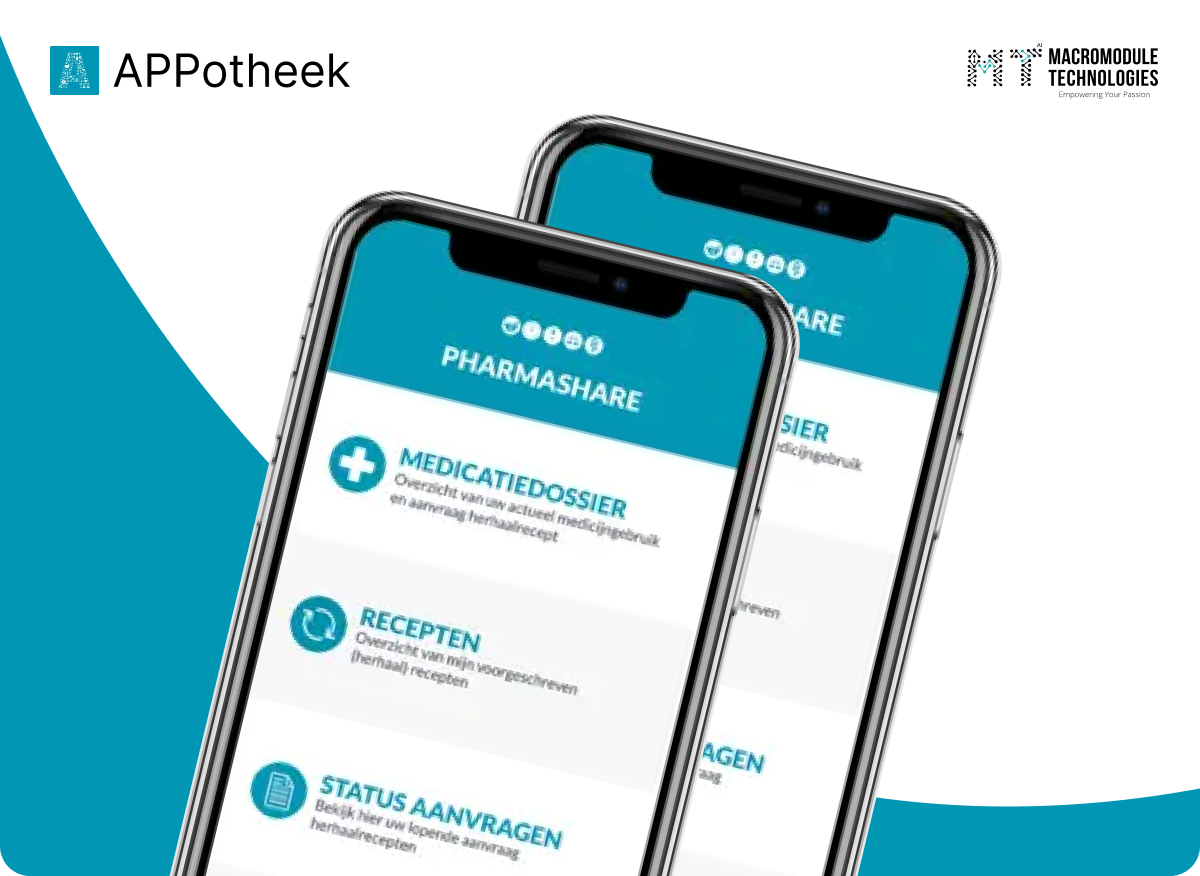

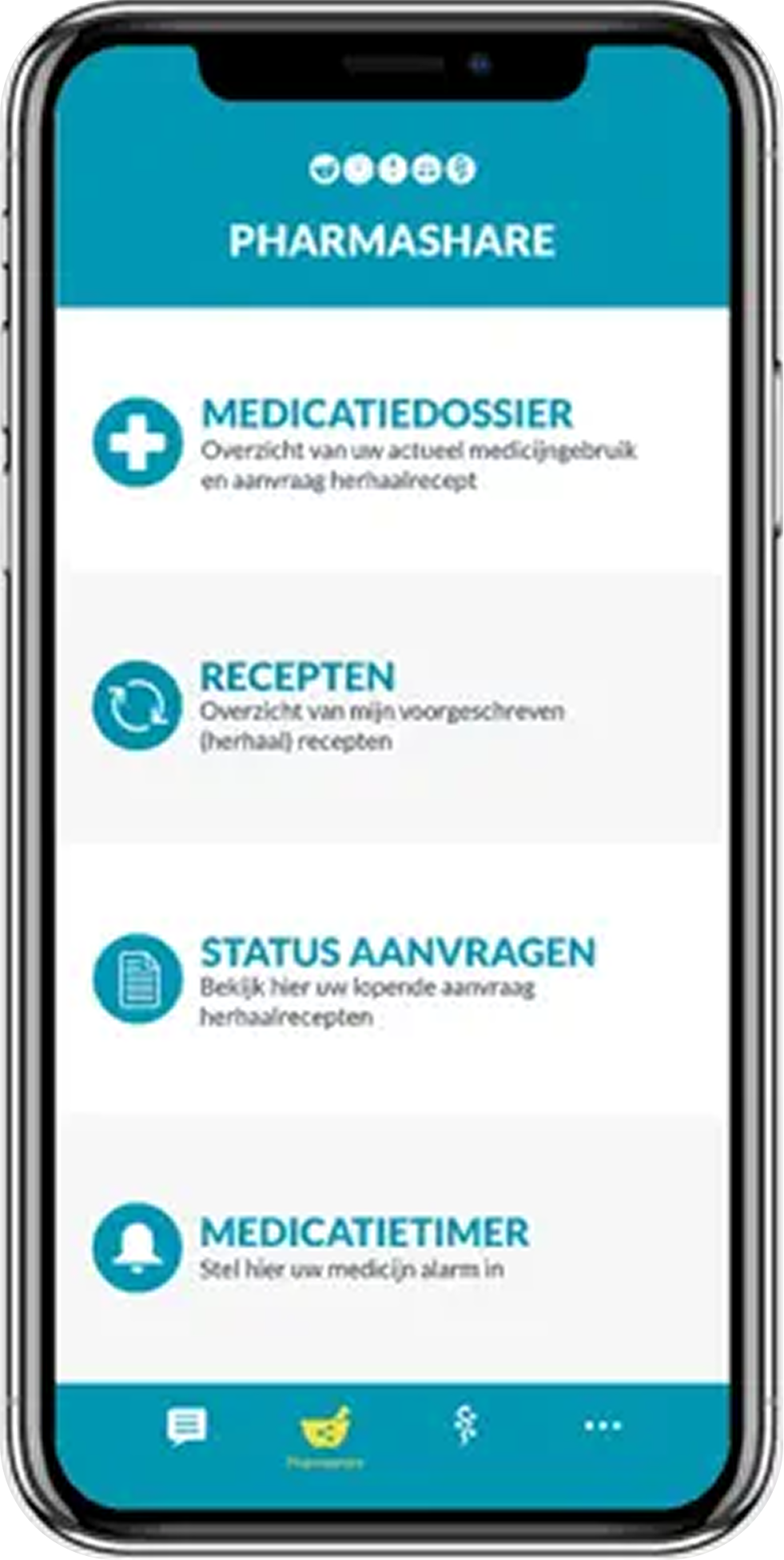

A More Connected Pharmacy App Experience
From Pharmacy Information to a More Accessible Mobile Experience
Making Pharmacy Services Easier to Access
A Mobile Experience Built Around User Access

Mobile Application Experience
Provide a mobile interface designed around clear navigation and straightforward access to supported features.

Pharmacy Information Access
Organize relevant pharmacy information so users can find and understand the available content.

Service Workflow Clarity
Present supported pharmacy service workflows in a clear, consistent sequence.

User-Friendly Navigation
Keep the interface structure intuitive and help users move between available application sections.

Consistent Interface Design
Maintain a cohesive visual and interaction pattern throughout the application.
Project Requirements and User Experience Goals
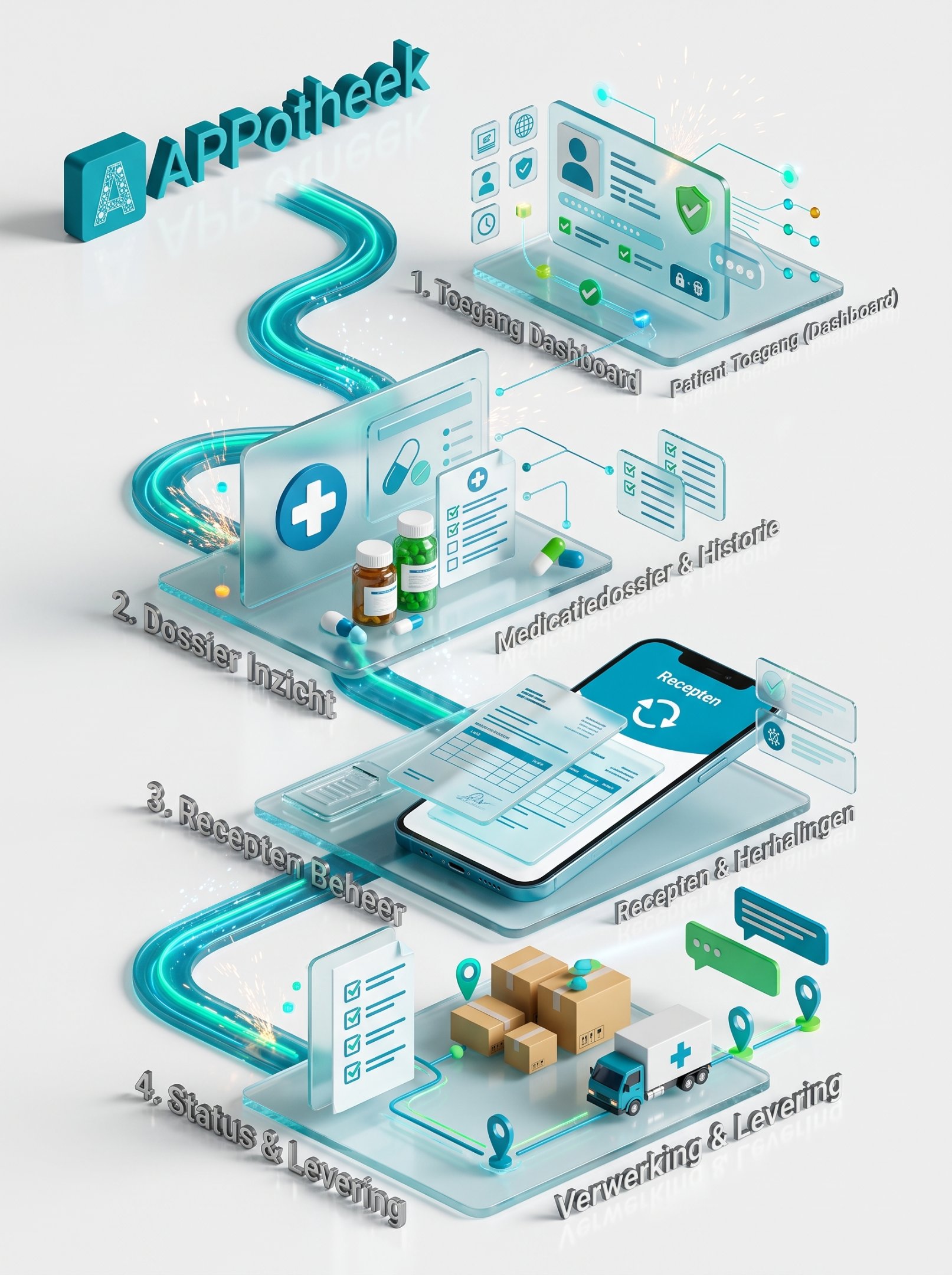
Designing a Clearer Pharmacy App Experience

Organizing Pharmacy Information
Presenting pharmacy-related information in a structured format so users can find relevant details without navigating unnecessarily complex screens.

Simplifying Mobile Navigation
Creating an intuitive navigation structure that helps users understand the application and move between its available sections.

Making Service Workflows Clear
Presenting supported pharmacy service interactions in a logical sequence, with clear labels and understandable next steps.

Maintaining Interface Consistency
Keeping layouts, visual elements, and interaction patterns consistent across the application's screens.

Supporting Different User Needs
Structuring the experience around clarity, readability, and ease of use for people accessing pharmacy information on mobile devices.
Understanding the Pharmacy App Landscape
“Mobile-First Access”
A mobile-first experience can make pharmacy-related information easier to access when users need it.

“Clear Information Architecture”
Organizing information into clear sections helps users understand available content and navigate the application more easily.

“Simple Digital Journeys”
Straightforward navigation and clearly labeled actions can reduce unnecessary complexity in pharmacy-related workflows.

“Consistent User Experience”
Consistent layouts, terminology, and interactions help users become familiar with the application.

“Trust Through Clarity”
Clear information presentation and transparent explanations of available services help users understand what the application offers.

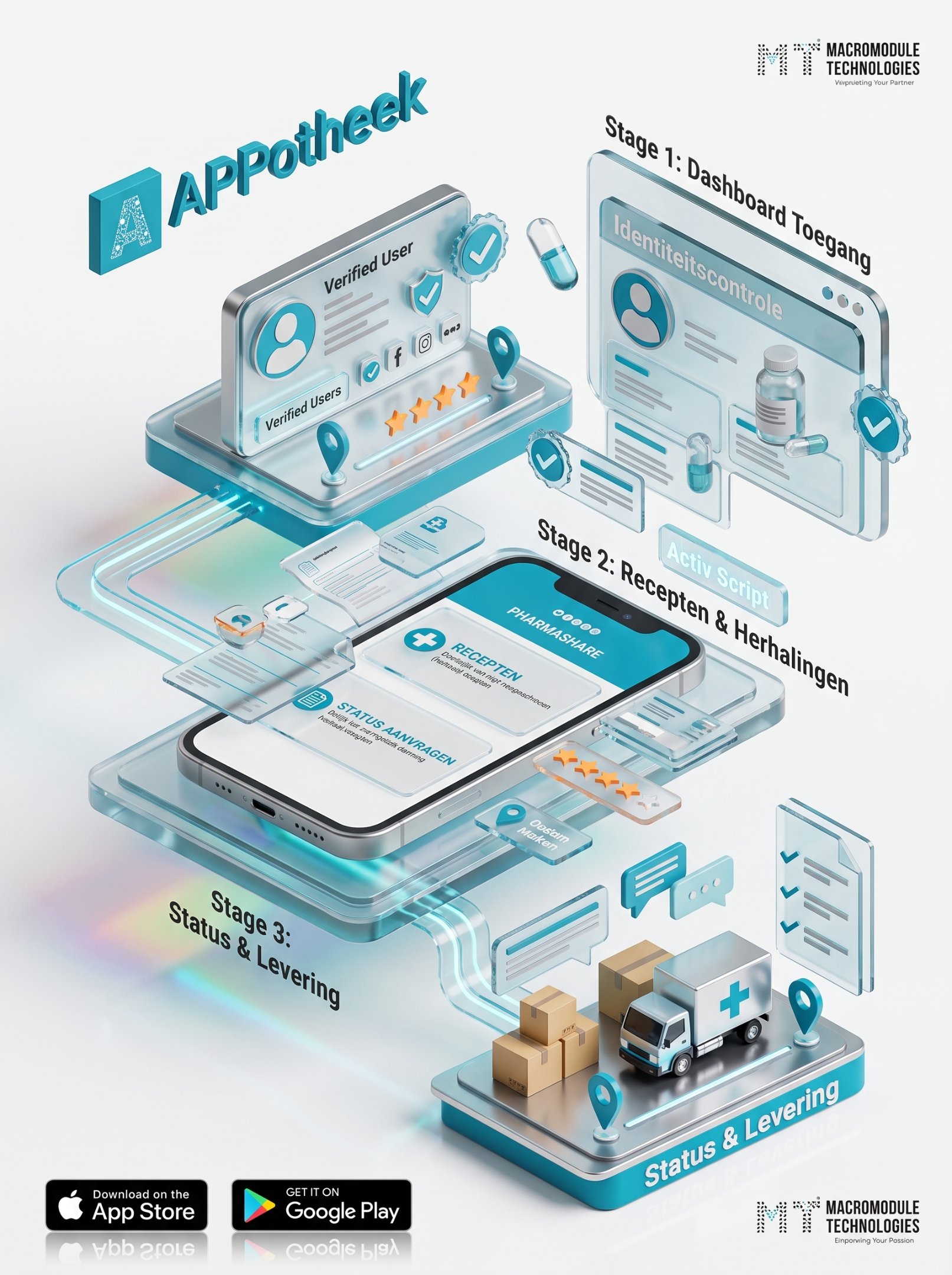
A Mobile Experience Designed Around Pharmacy Services
-
Mobile-First Interface A mobile-focused interface designed to present application content in a clear and accessible format.
-
Structured Pharmacy Information An organized presentation of pharmacy-related information to make available content easier to browse and understand.
-
Intuitive Navigation A clear navigation structure that helps users move between the application's available sections
-
Service Workflow Support A consistent interface for navigating the pharmacy service workflows supported by the application.
-
Consistent UI Patterns Reusable interface patterns that support a cohesive visual experience across application screens.
A Structured Foundation for the Mobile Application
Mobile Application Layer
The user-facing application experience, including the screens and navigation through which users access available features.
User Interface Layer

The presentation layer responsible for displaying pharmacy-related information and providing consistent interactions across application screens.
Application Logic Layer

The application logic that supports the workflows and interactions implemented within the confirmed project scope.
Service Integration Layer

Any APIs or external services used to support the application's features. Include this layer only if integrations were part of the delivered solution.
Engineering a User-Focused Pharmacy Application

Requirements and Scope
Define the intended users, application goals, and supported pharmacy-related workflows based on the confirmed project requirements.

User Experience and Interface Design
Structure the navigation and screen layouts to make pharmacy information easier to find and application interactions easier to understand.
Application Development
Implement the mobile interface and the functionality specified in the approved project scope, following the confirmed technical requirements.
Workflow Integration
Connect the relevant application components and any required services or APIs, where these integrations are part of the delivered implementation.
Testing and Refinement
Check the implemented features, navigation, screen behavior, and supported workflows, then address issues identified during testing.
Wallet Security Architecture: MPC, Multisig, and Smart Contracts
Requirements and Scope
LAYER // 01Define the intended users, application goals, and supported pharmacy-related workflows based on the confirmed project requirements.

User Experience and Interface Design
LAYER // 02Structure the navigation and screen layouts to make pharmacy information easier to find and application interactions easier to understand.

Application Development
LAYER // 03Implement the mobile interface and the functionality specified in the approved project scope, following the confirmed technical requirements.

Workflow Integration
LAYER // 04Connect the relevant application components and any required services or APIs, where these integrations are part of the delivered implementation.

Testing and Refinement
LAYER // 05Check the implemented features, navigation, screen behavior, and supported workflows, then address issues identified during testing.
Designed for a Clearer Pharmacy App Experience

Clearer Information Access
A structured mobile experience designed to help users navigate pharmacy-related information more easily.

Intuitive Navigation
A user-focused navigation approach that helps users understand the application's sections and available actions.

Consistent Interface
Consistent interface patterns designed to create a more cohesive experience across the application's screens.

Accessible Service Workflows
A structured presentation of supported pharmacy service workflows, with clear labels and understandable interactions.
User-Focused Mobile Experience
An application experience centered on clarity, ease of use, and straightforward access to supported features.
Explore the APPotheek App Experience

Mobile App Interface
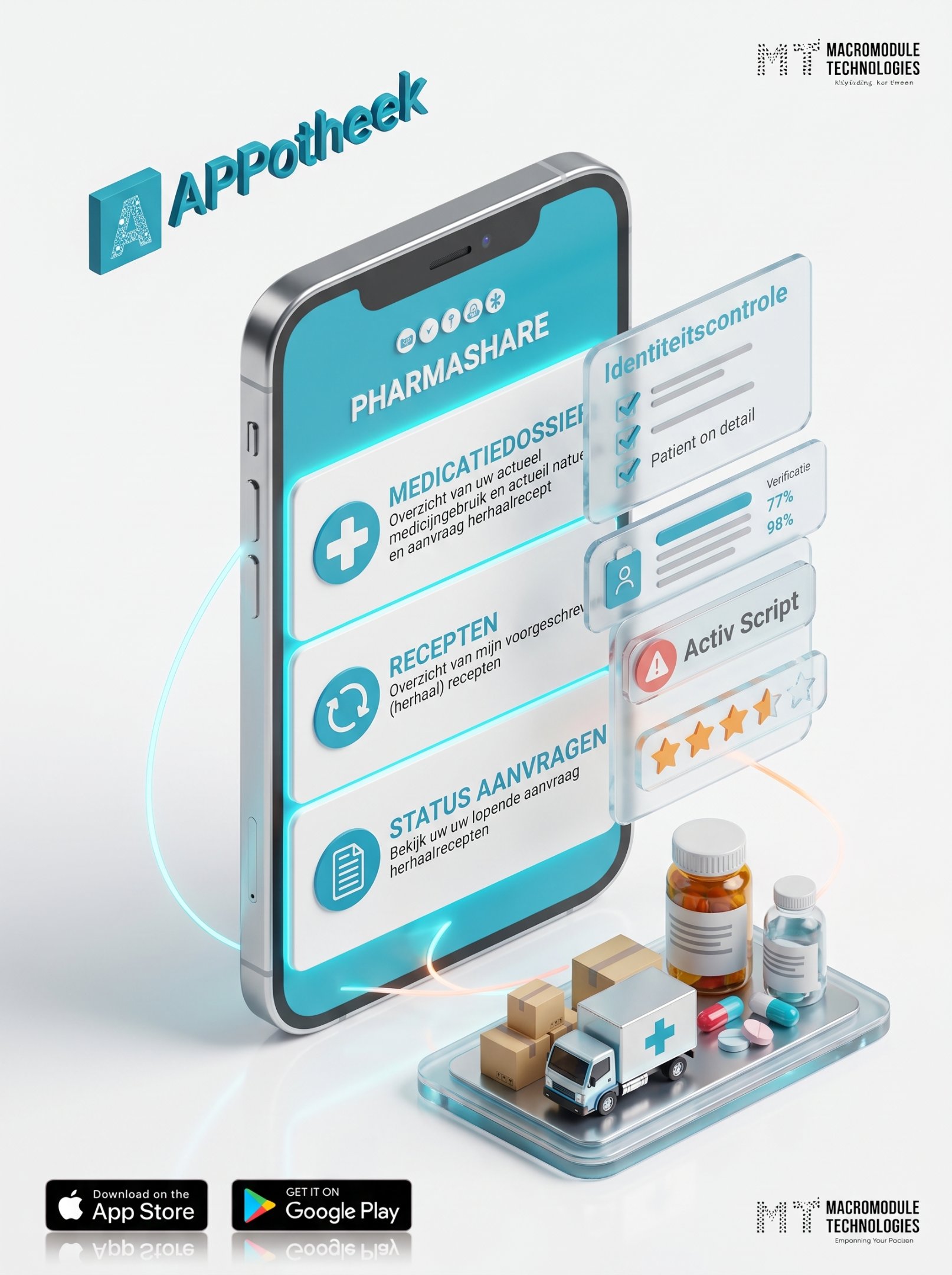
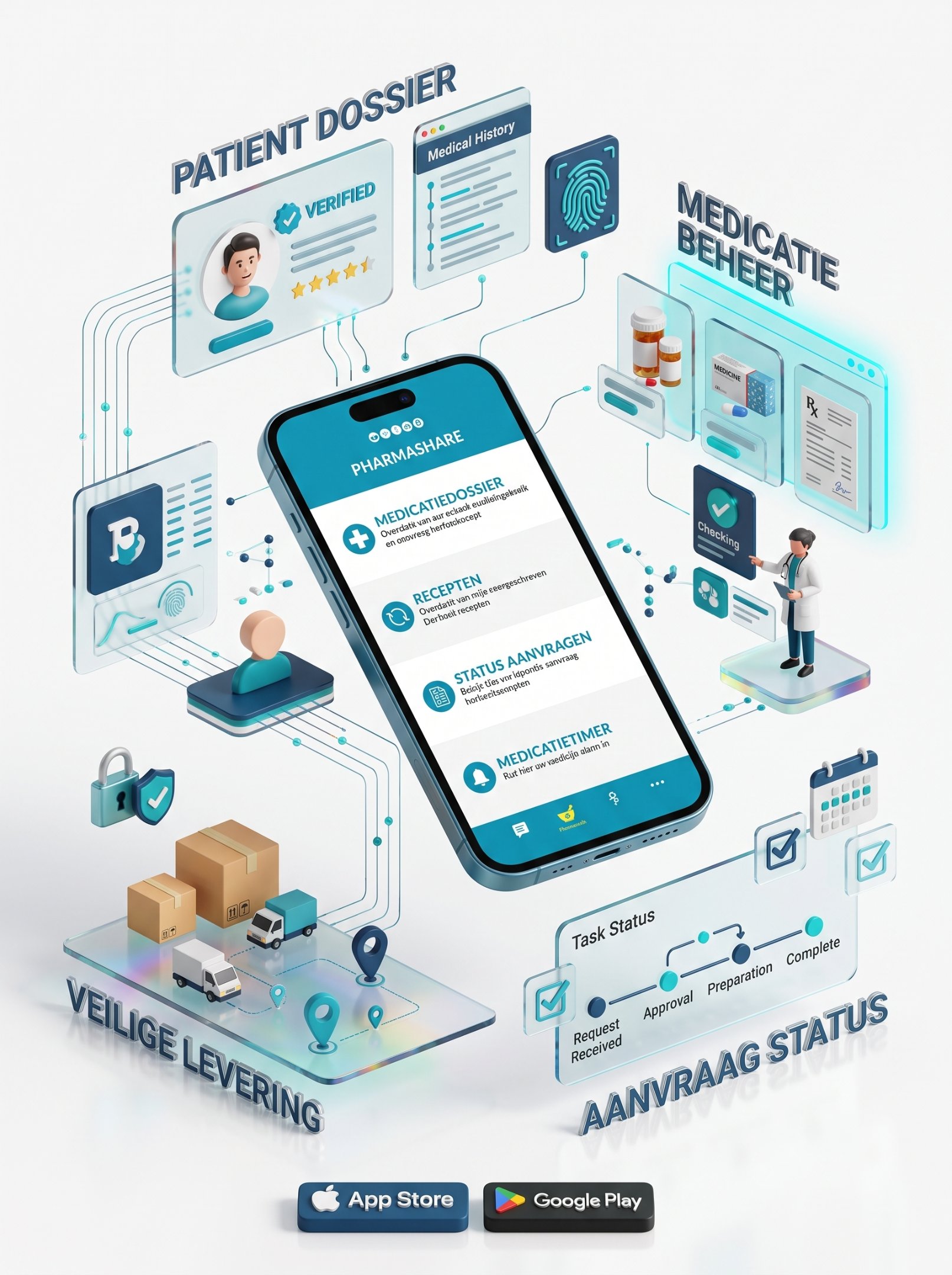
A look at the APPotheek mobile interface, highlighting its layout, navigation, and presentation of pharmacy-related information.

Application Navigation
Explore the available screens and navigation patterns that shape the APPotheek mobile experience.
Pharmacy Service Experience
Review the pharmacy-related service workflows that are confirmed to be part of the delivered application.
Explore More Digital Product Solutions
Explore related Macromodule Technologies solutions across mobile application development, custom software, and user-focused digital experiences. Each project reflects a different set of product requirements and implementation needs.

Mobile App Development
Mobile application experiences designed around product requirements, user needs, and clear interface workflows.
Custom Software Development
Custom software built around business processes, product goals, and the functionality required by each project.

UI/UX Design
User interface and experience design focused on clear navigation, usable layouts, and consistent interactions.

Healthcare Technology
Digital product development for healthcare-related use cases, with scope and capabilities defined by the specific project requirements.

FAQ Section
Let's Build Your Next Digital Product
Whether you are launching a new platform, modernizing legacy systems, or expanding engineering capacity, Macromodule Technologies helps you move forward with clarity and confidence. We support you across product discovery, technical architecture, UI/UX design, software development, quality assurance, cloud deployment, and continuous improvement. By understanding your core business goals early, we define a clear, risk-free delivery roadmap before writing a single line of code.
From AI-powered platforms and custom enterprise software to blockchain systems, mobile applications, cloud infrastructure, and data-intensive products, we engineer secure, scalable solutions built around your operational strategy. Our focus isn't just on launching—we build a flexible technical foundation that evolves as your users, data, and business requirements grow.
Partner with an engineering team that takes complete ownership, communicates transparently, and stays laser-focused on delivering measurable, long-term value.
Our Offices:

Head Office (USA)
Address: 28 W Flagler St Ste 300B #324 Miami, FL 33130
Phone: +1 (321) 364-6867
Email: consultant@macromodule.com

Regional Office (UAE)
Address: Business Centre, Sharjah, United Arab Emirates
Phone: +971 55 154 7284
Email: consultant@macromodule.com

Innovation Hub (Pakistan)
Address: 61 C, Pia Housing Scheme, Lahore 54000
Phone: +92 (339) 0134700
Email: consultant@macromodule.com
